
An IPTV playlist URL is an M3U or M3U8 link that contains all your channel streams in one address — you get it from your IPTV provider after subscribing, either by email or from your client dashboard.
An IPTV playlist URL is a direct link (usually in M3U or M3U8 format) that contains all the channel streams your IPTV service provides, once loaded into a compatible player, it gives you instant access to live TV, movies, and on-demand content without a cable box.
To get one, you either receive it from your IPTV provider after subscribing, generate it from your provider's dashboard, or use a free public playlist (less reliable). A trusted provider like OTTOceean typically delivers your playlist URL by email within minutes of purchase, along with setup instructions for every device.
Below is a complete, step-by-step breakdown of how to obtain, test, and use your IPTV playlist URL.
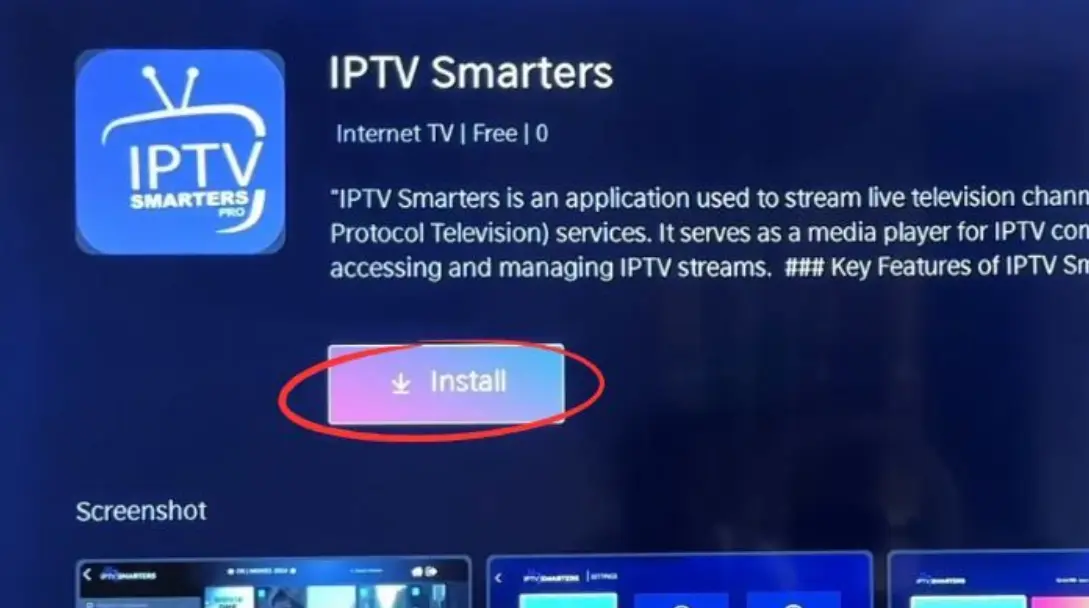

It is a web link (M3U/M3U8 format) that contains all your IPTV channel streams. You paste it into an IPTV player to access live TV and on-demand content.
Free public playlists exist but are unreliable and often go offline. Paid providers deliver stable, high-quality URLs included with your subscription.
Most providers send it within 5 to 30 minutes after payment. Check your email inbox and spam folder if you don't see it right away.
That depends on your provider's policy. Some allow 1–2 simultaneous connections per URL, while others offer multi-device plans for an extra fee.
Popular choices include VLC Media Player (free, all platforms), TiviMate (Android/Firestick), IPTV Smarters Pro, and GSE Smart IPTV (iOS).
First, check your subscription status. If it's active, try regenerating the URL from your provider's dashboard or contact their support team.
A VPN is not always required, but it can help reduce ISP throttling and improve privacy. It is recommended for a smoother streaming experience.