
Quick answer
An IPTV encoder is a device or program that takes a video signal — from a cable box, camera, satellite receiver or PC — compresses it with H.264 or H.265, and sends it over an IP network as a stream that set-top boxes, smart TVs, apps or streaming platforms can play.
Everything in this hub
Understand2
Set up3
On this page
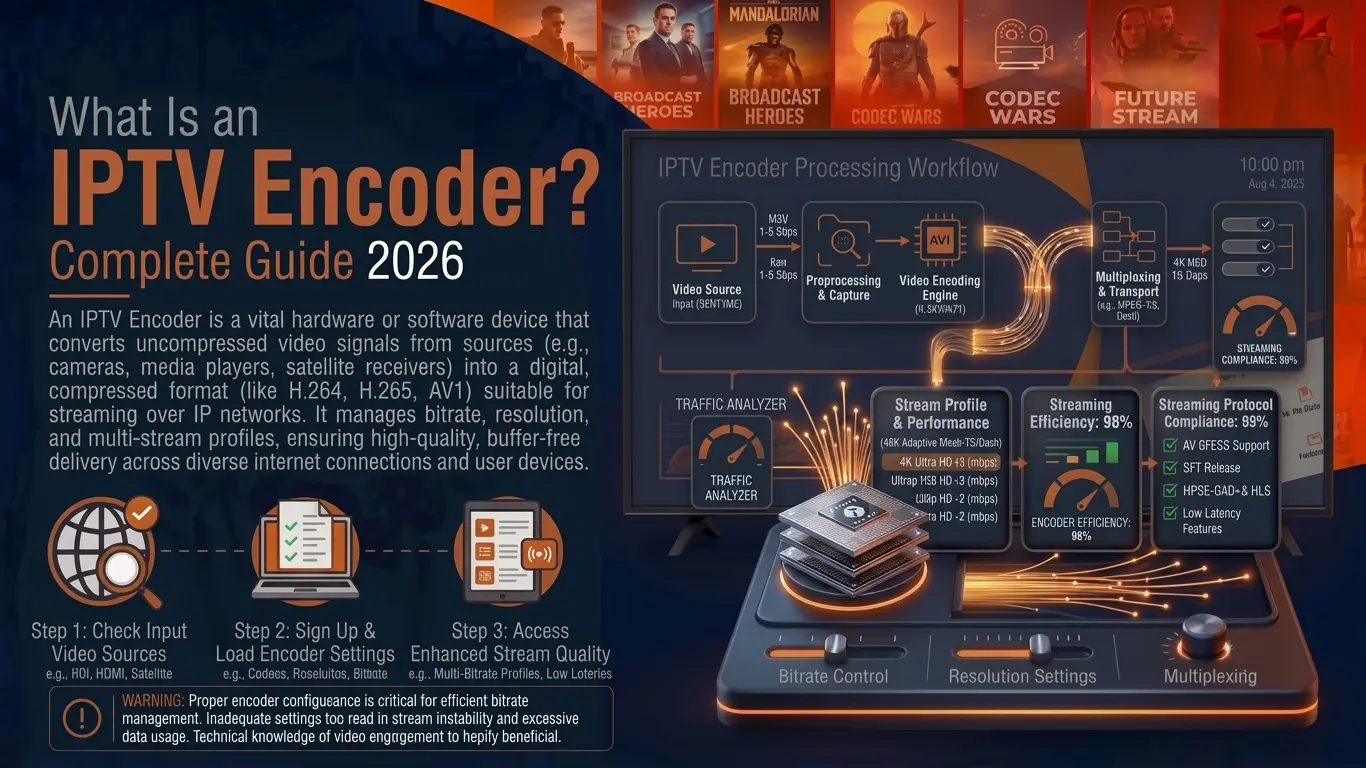
What is an IPTV encoder?
An IPTV encoder is a device or program that turns a video signal into a compressed digital stream that can travel over an IP network. It sits between the source — a cable or satellite receiver, a camera, a media player, a laptop — and the network that carries the picture to screens.
Raw 1080p video is roughly 3 Gbps. No home, hotel or internet link carries that per channel, so the encoder compresses it, usually with H.264 or H.265 (HEVC), down to a few megabits per second, then wraps it in a streaming protocol such as UDP multicast, SRT, RTMP or HLS.
Watching, not broadcasting?
If you only want to watch IPTV, you do not need an encoder — that work happens at the provider. You need an app and a login, which is what an Ottoceean subscription gives you. The rest of this guide is for people building or running their own channels.
How an encoder fits into an IPTV system
An encoder is one link in a chain. The diagram shows the simplest complete system — the same chain scales from one lobby screen to a 500-room hotel.
In a larger system the network block grows into a full IPTV headend, with receivers, transcoders, middleware and an electronic programme guide. The encoder's job stays the same: capture, compress, packetise, send.
What happens inside the encoder
Capture
The input card grabs the picture and sound from HDMI, SDI, composite or an IP source. HDMI inputs may refuse HDCP-protected sources — a point we cover in the HDMI encoder guide.
Compress
A hardware chip (or the CPU/GPU in a software encoder) compresses video with H.264 or H.265 and audio with AAC, MP2 or AC-3, at the bitrate you set.
Package
The compressed video and audio are wrapped in a transport stream (MPEG-TS) or fragmented into segments for HLS.
Send
The stream leaves on one or several protocols at once — UDP multicast for a local network, SRT or RTMP towards the internet, HLS or RTSP for players. Which protocol to use depends on where the viewers are.
The main types of IPTV encoder
| Type | Input | Typical use | Guide |
|---|---|---|---|
| HDMI encoder | HDMI 1.4 / 2.0 | Cable boxes, PCs, cameras, digital signage, small hotels | HDMI IPTV encoder |
| 4K HEVC encoder | HDMI 2.0 or 12G-SDI | 4K channels, sports bars, premium feeds | 4K HEVC encoder |
| SDI encoder | 3G / 12G-SDI | Broadcast studios, churches, stadiums, long cable runs | SDI IPTV encoder |
| Multi-channel rack | 4, 8, 16+ HDMI or SDI | Hotels, hospitals, campuses, cruise ships | Multi-channel & hotel |
| Software encoder | Capture card or file | Occasional streams, testing, small budgets | OBS, FFmpeg, vMix |
Hardware or software?
Hardware encoder
- Built to run 24/7 without a PC to maintain
- Low, predictable latency
- Small, silent, often PoE or rack-mounted
- Higher upfront cost per channel
Software encoder
- Free or cheap (OBS, FFmpeg) on an existing computer
- Very flexible: overlays, scenes, recordings
- Quality depends on the CPU/GPU and the capture card
- Needs a PC that never sleeps or updates mid-stream
The specs that actually matter
| Spec | What it means | What to look for |
|---|---|---|
| Codec | Compression standard | H.264 for compatibility; H.265 for 4K or tight bandwidth |
| Resolution & frame rate | Largest picture it can encode | 1080p60 minimum; 2160p60 for 4K; 50/60 fps for sport |
| Bitrate control | How many Mbps the stream uses | CBR for multicast networks, VBR for internet delivery |
| Outputs | Protocols it can send | UDP multicast + SRT + HLS covers most projects |
| Simultaneous streams | Outputs at the same time | A main and a sub-stream (e.g. 1080p + 480p) is useful |
| Latency | Delay from input to screen | Under 1 s on LAN; 1–3 s over SRT is normal |
| Audio | Codecs and channels | AAC stereo at minimum; AC-3 pass-through if you need 5.1 |
| Management | How you configure it | Web interface, SNMP or API for larger systems |
Our encoder buying checklist turns this table into twelve questions to ask before you pay, with realistic price ranges.
Who uses IPTV encoders?
- Hotels, hospitals and campuses — to put local channels, satellite feeds and a welcome channel on every room TV.
- Bars and sports venues — to send one live feed to many screens without an HDMI splitter mess.
- Churches, schools and event venues — to stream services, lessons and events to overflow rooms and online.
- Broadcasters and IPTV operators — as the first stage of their headend.
- Digital signage — to distribute one screen's content to dozens of displays.
- Security and industrial video — to bring HDMI or SDI sources into an IP video system.
Frequently asked questions
What is an IPTV encoder in simple terms?
A box (or a piece of software) that takes a video signal — from a cable box, a camera, a satellite receiver or a PC — compresses it and sends it out as a stream over an IP network, so TVs, set-top boxes and apps can play it.
What is the difference between an encoder and a transcoder?
An encoder starts from a raw signal (HDMI, SDI, analogue). A transcoder starts from a stream that is already compressed and converts it into another codec, bitrate or resolution — for example turning one 1080p H.264 feed into 720p and 480p versions for phones.
Do I need an IPTV encoder to watch IPTV?
No. Encoders sit on the broadcasting side. To watch, you only need an IPTV app and a subscription login. If that is what you are after, see our plans or the free trial.
H.264 or H.265 for IPTV?
H.264 plays on almost everything, including old set-top boxes and browsers. H.265 (HEVC) needs roughly 30–50% less bitrate for the same picture and is the normal choice for 4K, but check that every receiving device can decode it.
How much bandwidth does one encoded channel use?
As a rule of thumb: 2–4 Mbps for 720p, 4–8 Mbps for 1080p in H.264 (about half with H.265), and 15–25 Mbps for 4K HEVC. Multiply by the number of channels to size your network.
Can a cheap HDMI encoder feed a hotel TV system?
For a few channels, often yes, as long as it outputs UDP multicast and runs 24/7 without overheating. For larger systems a rack-mounted multi-channel encoder is easier to manage. See multi-channel and hotel encoders.