
Quick answer
"Failed to authorize" means the IPTV server refused your login. Most often the server URL is wrong (missing http:// or port, extra slash), a username or password has a typo, the line has expired, too many screens are connected, or your ISP or VPN blocks the server.
On this page
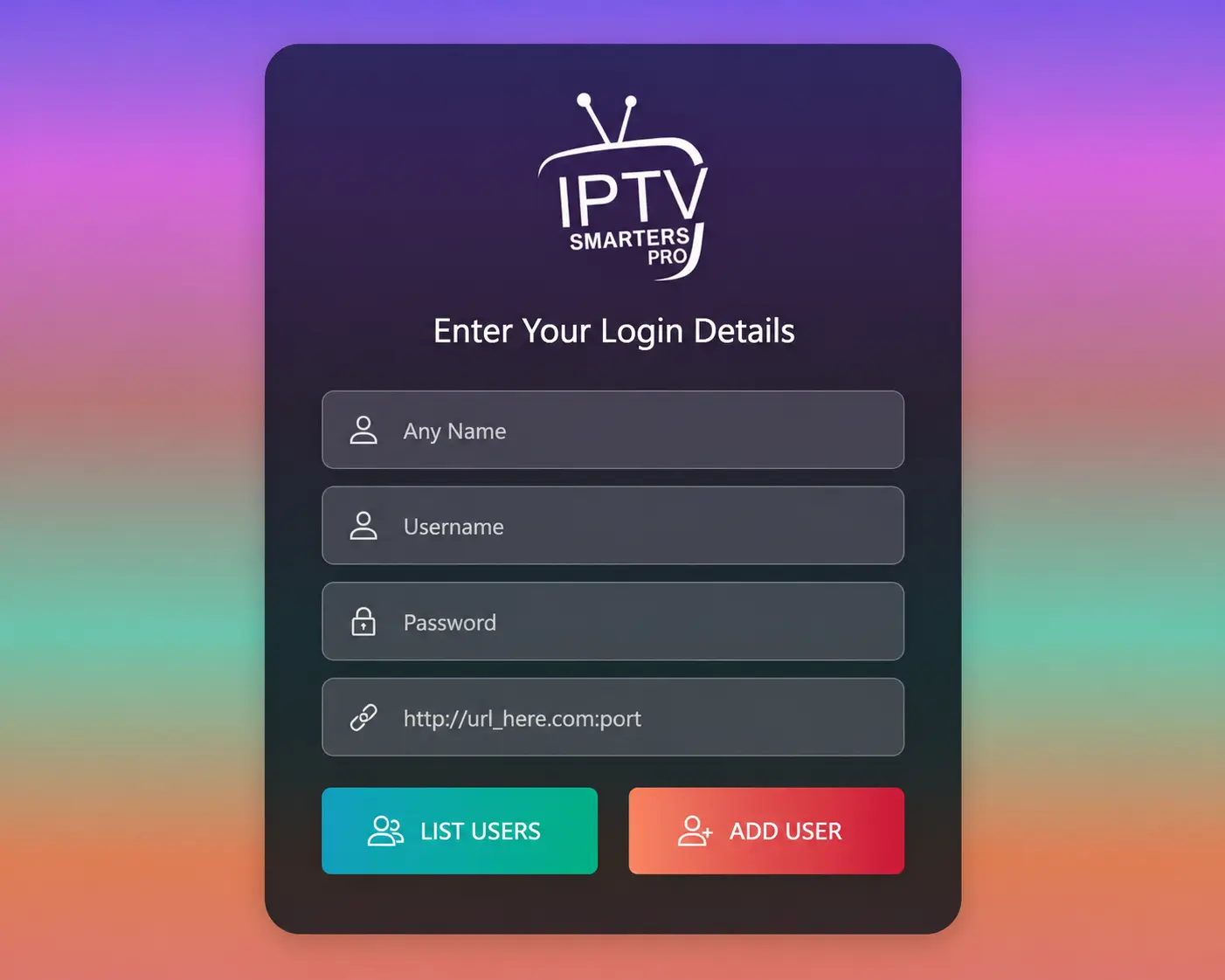
Why IPTV Smarters says "failed to authorize"
IPTV Smarters sends your server URL, username and password to the provider's server. If the server rejects them — or cannot be reached properly — you get failed to authorize. The causes fall into three groups:
Your details
- Typo in URL, username or password
- Missing port or wrong http/https
- Hidden space after copy-paste
Your account
- Trial or plan expired
- Too many screens connected
- Line moved to a new server
Your network
- ISP blocks the server
- VPN rejected by the server
- Wrong date/time on the device
The app
- Outdated version
- Corrupted cache
- Modified "premium" copies
9 fixes, in order
Retype the server URL exactly
The most common cause. The URL must start with
http://(not https unless your provider says so), include the port if there is one — e.g.http://line.example.com:8080— and have no slash, space or path at the end.Check username and password character by character
They are case-sensitive. Watch for
0vsO,lvsI, and a space the keyboard added after copy-paste.Make sure the line is active
Trials and plans expire at a set time. If yours just ended, Smarters reports "failed to authorize". Ask your provider to check the expiry date.
Close the app on your other devices
If the line is already playing on its maximum number of screens, new logins may be refused. Stop playback elsewhere and try again.
Turn a VPN off — or on
Some servers refuse VPN addresses; turn the VPN off. If you never use a VPN, your ISP may be blocking the server: try another network (e.g. phone hotspot). If it works there, a VPN may be needed at home.
Test the login outside the app
Put this in a browser (with your details):
http://SERVER:PORT/player_api.php?username=USER&password=PASS. Text with"auth":1means the login is valid and the problem is in the app or network;"auth":0means the details are wrong or expired.Update or reinstall IPTV Smarters
Old versions sometimes fail with newer servers. Clear the app cache/data or reinstall from the official source, then log in again.
Fix the date and time on the device
A wrong clock breaks secure connections. Set date and time to automatic.
Try the M3U login or another app
Log in with the M3U playlist option, or test the same details in TiviMate or VLC. If they work there, the issue is Smarters itself.
The right format for your login
| Field | Correct | Wrong |
|---|---|---|
| Server URL | http://line.example.com:8080 | line.example.com, http://line.example.com:8080/, https://… |
| Username | JohnD8812 | johnd8812 (case), JohnD8812 (space) |
| Password | k7Q2x9 | k7Q2x9 (trailing space) |
Ottoceean customer?
Ottoceean subscribers can message support: we check your line status and connection count in seconds and resend your details.
Frequently asked questions
What does "failed to authorize" mean in IPTV Smarters?
The server refused your login. The app reached a server but the combination of URL, username and password was rejected — or the account is expired, blocked or at its connection limit.
Why does it say "invalid credentials" when my details are right?
Usually the server URL is slightly wrong (missing port, extra slash, https instead of http) or your ISP blocks the server. Run the browser test in fix 6.
It worked yesterday and failed today. Why?
The subscription may have expired, the provider may have moved the server (ask for the new URL), or your ISP started blocking it.
Does IPTV Smarters need a subscription?
Yes — the app is only a player. You need a service login; see IPTV Smarters Pro explained.