
Quick answer
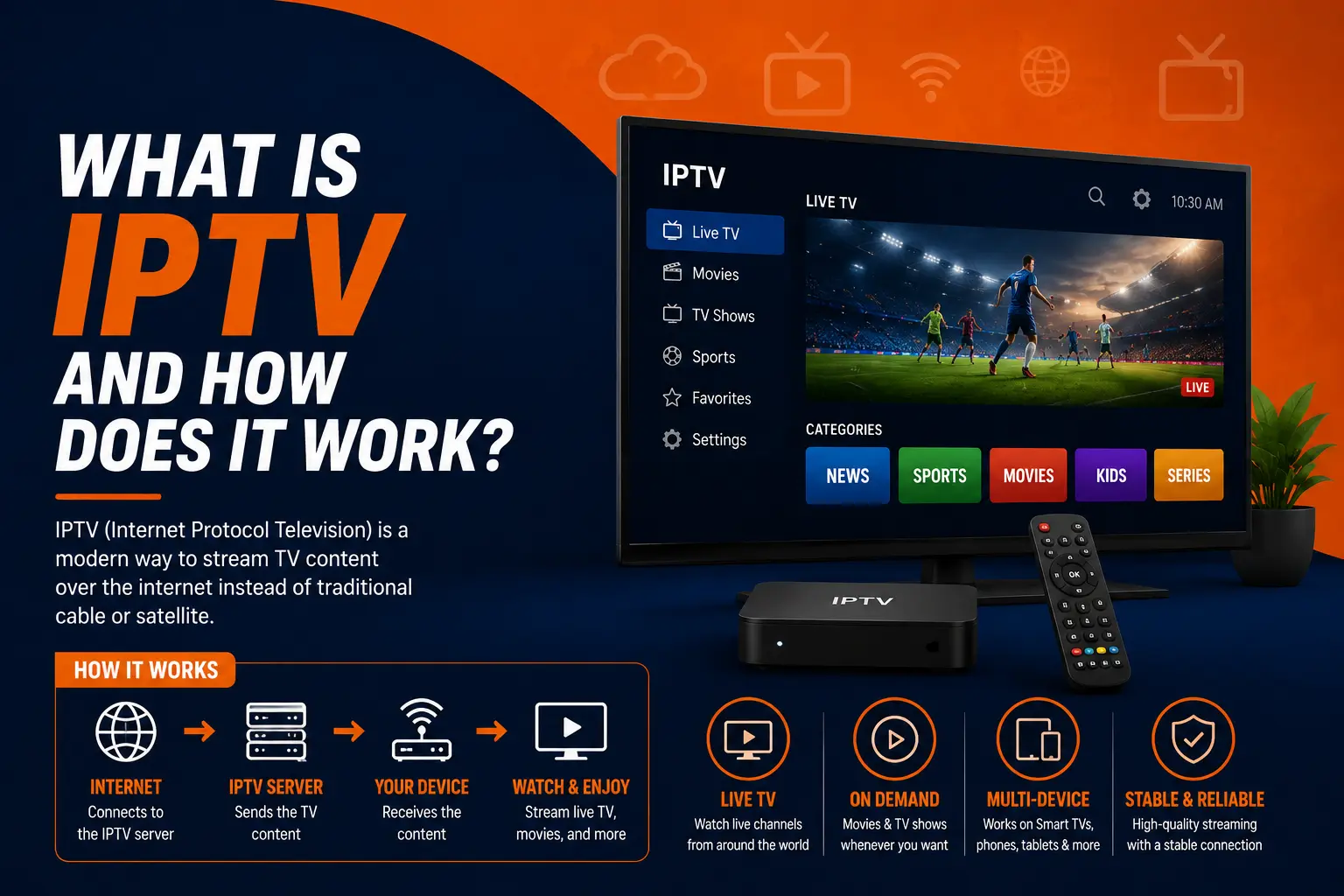
IPTV (Internet Protocol Television) delivers live TV channels over an internet connection instead of an antenna, cable or satellite dish. You install a player app on a TV, stick, phone or computer, log in with details from a provider, and get a channel list, a TV guide and usually films on demand.
Everything in this hub
Understand3
Set up2
On this page
IPTV in plain English
IPTV stands for Internet Protocol Television. Instead of receiving channels as radio waves (antenna), through a coaxial cable, or from a satellite dish, you receive them as data over an IP network — the same kind of connection that loads web pages.
From the viewer's side it looks familiar: you open an app, see a list of channels, pick one, and it plays. You can check the TV guide, flick between channels, and on most services open a library of films and series on demand.
How IPTV works, step by step
Channels are received
The provider takes in TV channels from satellite, terrestrial, cable or direct IP feeds.
They are encoded into streams
Each channel is compressed by an IPTV encoder (usually H.264 or H.265) so it fits through an internet connection.
Servers deliver them
Streaming servers send the channels out. On a telecom network this is often multicast; over the open internet it is usually HLS or MPEG-TS over HTTP.
Your app plays them
An IPTV app (IPTV Smarters, TiviMate, VLC…) logs in with your details, downloads the channel list, and plays the stream you choose.
The three types of IPTV content
Live TV
Channels broadcast in real time — news, sport, entertainment — exactly as on cable, arranged in categories.
Video on demand
Films and series you start whenever you like. See what VOD means.
Catch-up / time-shift
Some channels keep the last few days of programmes so you can watch a show that already aired.
TV guide (EPG)
Not content, but essential: the schedule of what is on now and next, inside the app.
What you need to watch IPTV
- An internet connection — around 10 Mbps for HD, 25 Mbps for 4K. Speed guide.
- A device — smart TV, Firestick, Android box, Apple TV, phone, PC, MAG or Enigma2. Which device is best?
- An IPTV player app — the app is only a player; it has no channels of its own. Best IPTV players.
- A subscription — the provider gives you login details (Xtream Codes), an M3U link or a MAG portal.
IPTV vs cable vs satellite vs streaming apps
| IPTV | Cable / satellite | Streaming apps | |
|---|---|---|---|
| How it arrives | Internet | Coax cable or dish | Internet |
| Live channels | Yes, hundreds to thousands | Yes | Few or none |
| On demand | Usually | Limited | Yes |
| Hardware | Any device with an app | Provider box, installation | Any device |
| Contract | Usually none | Often 12–24 months | Monthly |
| Weather sensitive | No | Satellite: yes | No |
IPTV vs OTT: a quick note
Strictly speaking, "IPTV" means TV over a managed network run by the operator (like a telecom's TV service), while TV over the open internet is called OTT. In everyday use, people call both "IPTV". The difference affects how the stream is protected against congestion — see OTT vs IPTV.
Pros and cons of IPTV
Advantages
- Works on devices you already own
- Large, international channel lineups
- No dish, no installer, no long contract
- Watch on the TV, phone or laptop
Limitations
- Depends on the quality of your internet
- Wi-Fi problems show up as buffering
- Quality varies a lot between providers
- Check that a provider is licensed and reliable
If you are comparing services, our provider checklist and trial test plan will save you a bad subscription.
Frequently asked questions
What does IPTV stand for?
Internet Protocol Television: television delivered using the same IP technology that carries websites and video calls, instead of broadcast signals through an antenna, cable or satellite.
Do I need a special box for IPTV?
No. Most people use a device they already own — a smart TV, a Firestick, an Android TV box, an Apple TV, a phone or a computer — with an IPTV app. MAG and Enigma2 boxes are also popular but optional.
Is IPTV the same as Netflix?
Not quite. Netflix is on-demand only. IPTV services centre on live channels arranged like a TV lineup, usually with a TV guide, and many add an on-demand library as well.
Does IPTV work without internet?
No. The channels arrive as streams, so you need a working connection — about 10 Mbps for HD and 25 Mbps for 4K, on a stable line.
Is IPTV legal?
The technology is legal and used by telecoms, hotels and broadcasters worldwide. Whether a particular service is legal depends on whether it has the rights to the channels it offers. Read is IPTV legal?
How do I get IPTV?
Choose a device and an app, pick a provider (ideally after a free trial), then log in with the details they send. Our beginner's guide walks through it.