
Quick answer
IPTV needs about 10 Mbps for HD and 25 Mbps for 4K per screen, on a stable connection. It uses roughly 1.5–2.5 GB an hour in HD, 2.5–3.5 GB in Full HD and 7–11 GB in 4K. A cable or 5 GHz Wi-Fi matters more than a high headline speed.
On this page
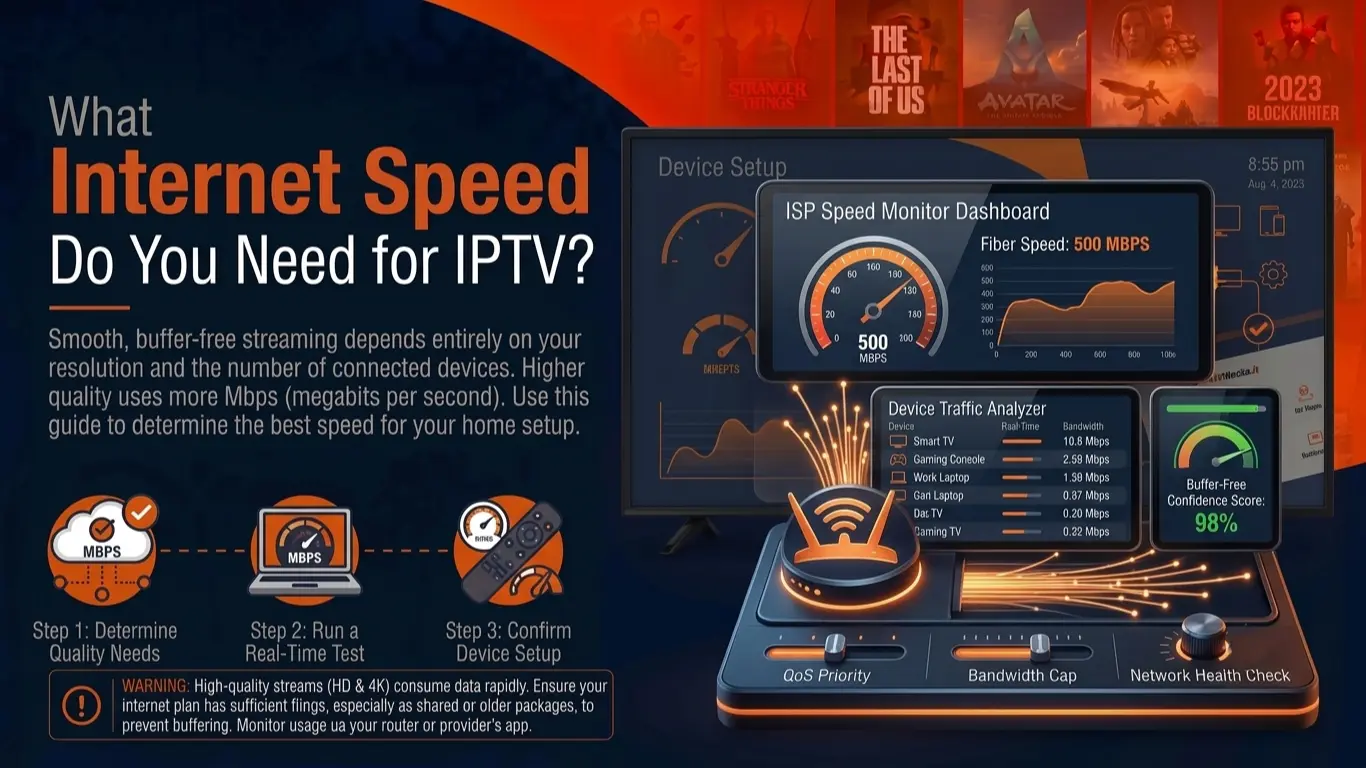
Speed and data by quality
| Quality | Bitrate | Recommended speed | Data per hour |
|---|---|---|---|
| SD (480p) | 1.5–2.5 Mbps | 6 Mbps | ≈ 0.7–1.1 GB |
| HD (720p) | 3–5 Mbps | 10 Mbps | ≈ 1.4–2.3 GB |
| Full HD (1080p) | 5–8 Mbps | 15 Mbps | ≈ 2.3–3.6 GB |
| 4K (2160p, HEVC) | 15–25 Mbps | 25–30 Mbps | ≈ 7–11 GB |
Several screens? Add them up. Two TVs in Full HD and a phone in HD need about 40 Mbps of spare capacity.
Why stability beats raw speed
Live TV cannot download far ahead: the player keeps only a few seconds in reserve. If your connection dips below the stream's bitrate for longer than that, the picture freezes. A steady 30 Mbps line beats a 300 Mbps line that drops out for two seconds every minute.
- Jitter and packet loss hurt IPTV more than low speed.
- Evening congestion shows up exactly when you watch most.
- Wi-Fi adds both, especially on 2.4 GHz and through walls.
How to test your connection properly
Test on the device you watch on
Run the test on the TV or stick itself, not on your phone next to the router.
Test at the time you watch
Repeat it in the evening and during a big game.
Look beyond download speed
Jitter above about 30 ms or any packet loss points to Wi-Fi or line problems.
Compare cable and Wi-Fi
If a cable fixes it, the problem is your Wi-Fi, not your internet plan.
Wi-Fi vs Ethernet
| Connection | Stability | Tip |
|---|---|---|
| Ethernet cable | Best | Use it for the main TV whenever you can |
| Powerline adapters | Good to variable | Plug straight into the wall, not a power strip |
| 5 GHz Wi-Fi | Good near the router | Same or next room |
| Mesh Wi-Fi | Good | Put a node near the TV |
| 2.4 GHz Wi-Fi | Weakest | Crowded and slow; avoid for 4K |
What a month of IPTV adds up to
| Household | Viewing | Estimated monthly data |
|---|---|---|
| Light viewer | 2 h/day in HD | ≈ 90–140 GB |
| Typical family | 4 h/day in Full HD | ≈ 280–430 GB |
| Sports fan with a 4K TV | 2 h/day 4K + 2 h/day FHD | ≈ 560–880 GB |
Most fibre and cable plans are unlimited, so this only matters on capped, fixed-wireless, satellite or mobile connections.
How to cut IPTV data use
- Pick the right version of a channel — FHD is plenty for most TVs under 50 inches.
- Switch the stick off, not just the TV screen.
- Turn off channel previews while browsing.
- Prefer HEVC channels where offered — same picture, less data. Why.
- On mobile, stay on Wi-Fi or choose SD.
Frequently asked questions
What is the minimum internet speed for IPTV?
About 5 Mbps for SD and 10 Mbps for HD on one screen; plan on 25 Mbps for 4K. Add the same again for each extra screen watching at the same time.
Does IPTV use a lot of data?
It can. An hour of HD uses around 1.5–2.5 GB and an hour of 4K around 7–11 GB. On an unlimited home connection that is fine; on a capped or mobile plan it adds up quickly.
Is Wi-Fi good enough for IPTV?
5 GHz Wi-Fi close to the router usually is. 2.4 GHz Wi-Fi through walls is the most common cause of buffering; an Ethernet cable is the most reliable option.
My speed test says 100 Mbps but IPTV buffers. Why?
Speed tests measure a short burst to a nearby server. IPTV needs a steady stream for hours. Drops, Wi-Fi interference or congestion cause buffering even on a fast line — see buffering fixes.
Does pausing IPTV stop data use?
Pausing live TV usually stops the download after the buffer fills. A channel left running on a screen nobody watches keeps using data.