
Quick answer
A TV IP address is the local number your router gives the TV, such as 192.168.1.45. Find it in the TV's network settings — on Samsung: Settings → General → Network → Network Status → IP Settings — or in your router's list of connected devices.
On this page
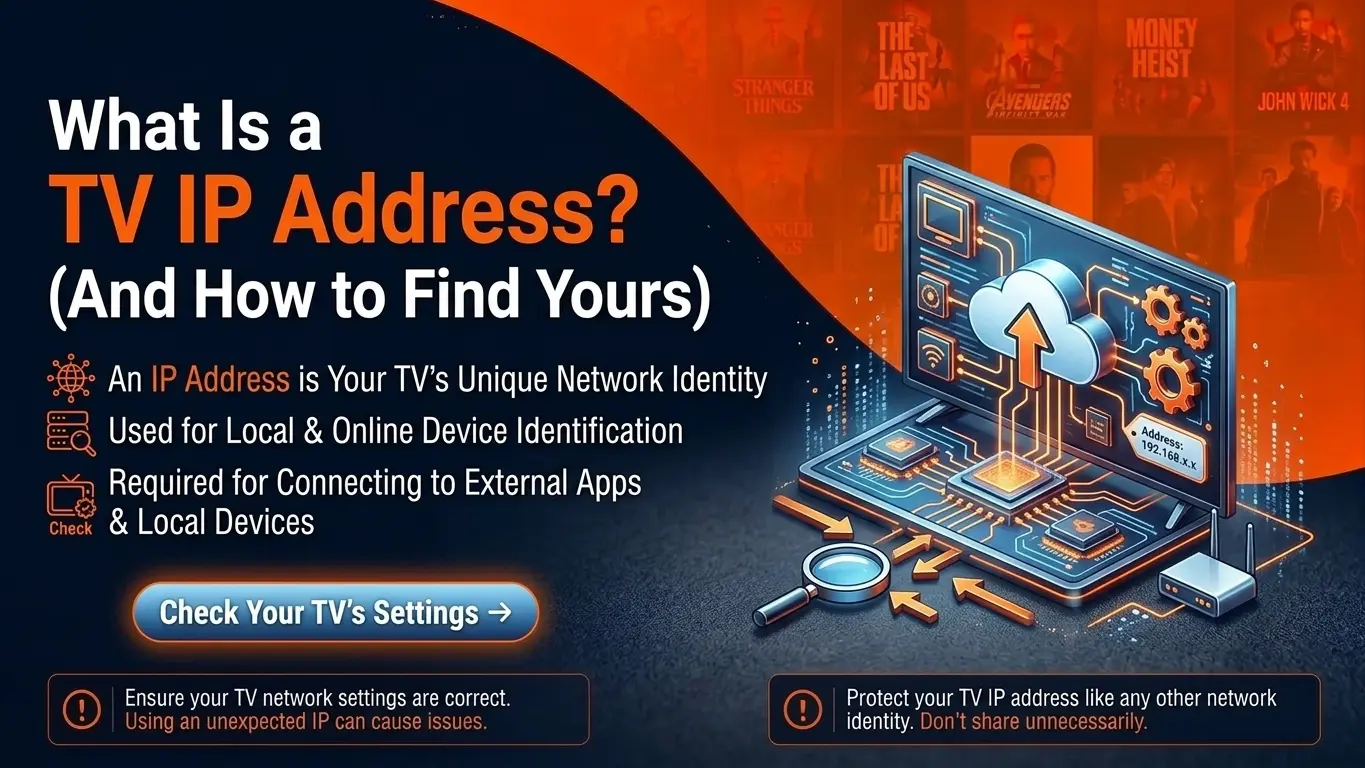
What a TV IP address is
A TV IP address is the number that identifies your TV on your home network, such as 192.168.1.45 or 10.0.0.23. Your router hands it out automatically (by DHCP) when the TV connects by Wi-Fi or cable. It is a local address; your home's public address on the internet is different and shared by all your devices.
IP address vs MAC address
| IP address | MAC address | |
|---|---|---|
| Looks like | 192.168.1.45 | 00:1A:79:4B:2C:9F |
| Given by | Your router | The manufacturer |
| Can change | Yes, unless reserved | No (fixed in hardware) |
| Used for | Network traffic, casting, sideloading | Activating Smart TV and MAG IPTV apps |
Setting up IPTV on a Smart TV?
Apps like IBO Player, Smart IPTV and MAG boxes are activated with the MAC address. If an IPTV setup screen asks for a "device ID" or "MAC", that is what it wants.
How to find the IP address on your device
| Device | Path |
|---|---|
| Samsung (Tizen) | Settings → General → Network → Network Status → IP Settings |
| LG (webOS) | Settings → All Settings → Network → Wi-Fi or Wired Connection → Advanced settings |
| Android TV / Google TV | Settings → Network & Internet → your network → IP address |
| Amazon Firestick | Settings → My Fire TV → About → Network |
| Roku | Settings → Network → About |
| Apple TV | Settings → Network → IP Address |
| MAG box | Settings → Network info (or the info screen at startup) |
| Enigma2 box | Menu → Information → Network (see Enigma2 setup) |
| Any device | Your router's admin page → connected devices / DHCP clients |
Why the IP address matters for IPTV
- Sideloading apps — Roku developer mode and some Firestick tools connect to the device by IP. See IPTV on Roku.
- Enigma2 receivers — you connect with PuTTY to the box IP to install IPTV.
- Quality of service — routers can prioritise the TV's address for smoother streaming.
- Troubleshooting — an address like
169.254.x.xmeans the TV did not get an address from the router at all.
Give your TV a fixed IP address
Open your router's admin page, find the TV in the list of connected devices, and choose Reserve or Static DHCP. The TV will get the same IP every time, which keeps casting, port rules and sideloading tools working.
Frequently asked questions
What is a TV IP address?
The number your router gives the TV so it can talk to other devices on your network and the internet, for example 192.168.1.45. It is sometimes called the TV IP number.
Is the TV IP address the same as the MAC address?
No. The IP address can change and identifies the TV on your network. The MAC address is fixed in the hardware. Smart TV IPTV apps usually ask for the MAC address, not the IP.
Why would I need my TV's IP address?
To reserve it in your router, to open ports, to cast or send files to the TV, to sideload an app (Roku developer mode, Firestick ADB), or to troubleshoot network problems.
Can I change my TV's IP address?
Yes. Either set a static IP in the TV's network settings, or better, create a DHCP reservation in your router so the TV always gets the same address.