
Quick answer
On Windows and Mac, IPTV Smarters desktop gives the full TV experience with live channels, VOD and a guide, while VLC plays an M3U link in under a minute. Kodi with PVR IPTV Simple Client is a good third option if you already use Kodi.
On this page
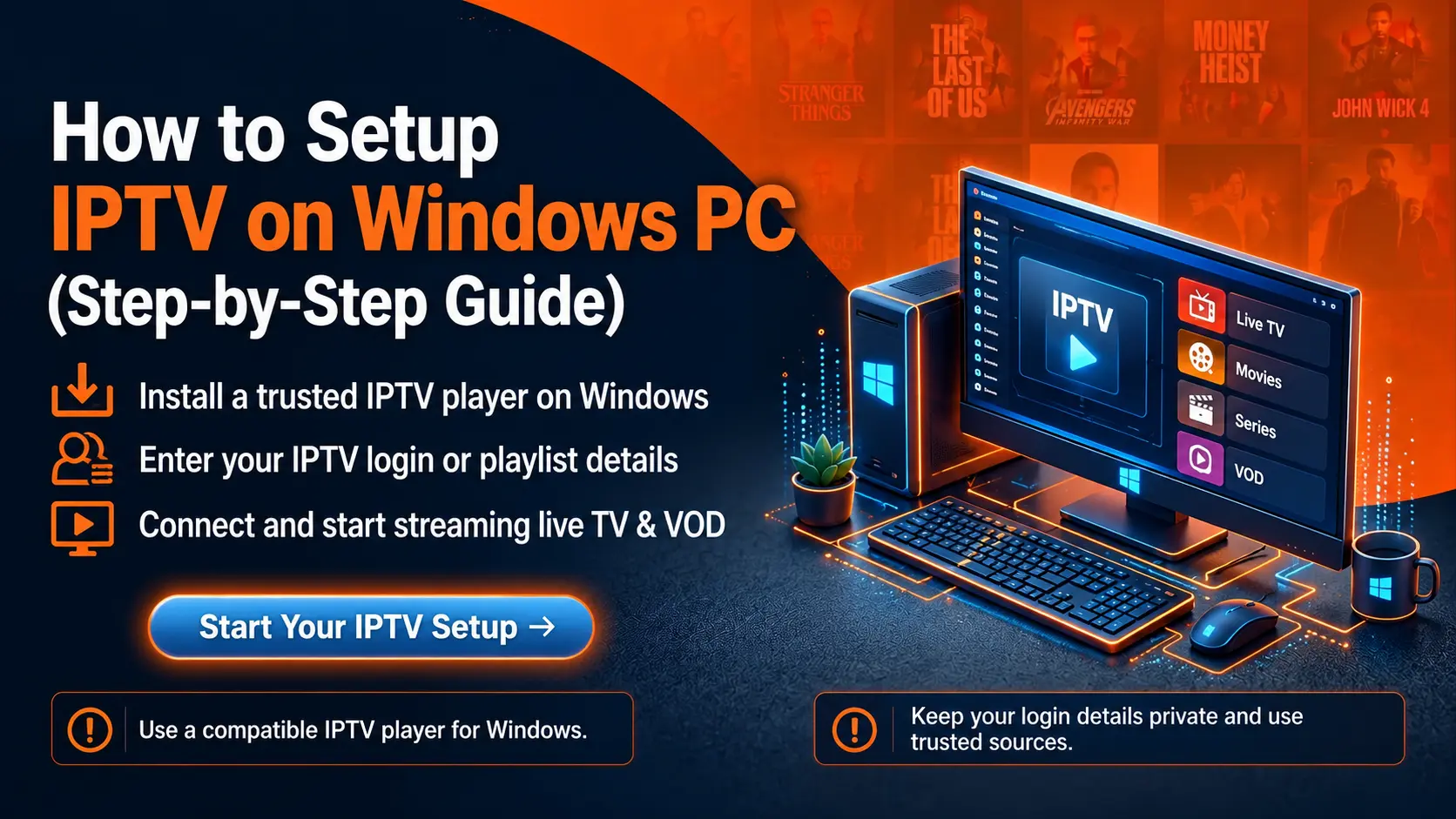
Method 1: IPTV Smarters desktop app
Download IPTV Smarters for desktop
Go to the official IPTV Smarters website, open Downloads and choose Windows or macOS.
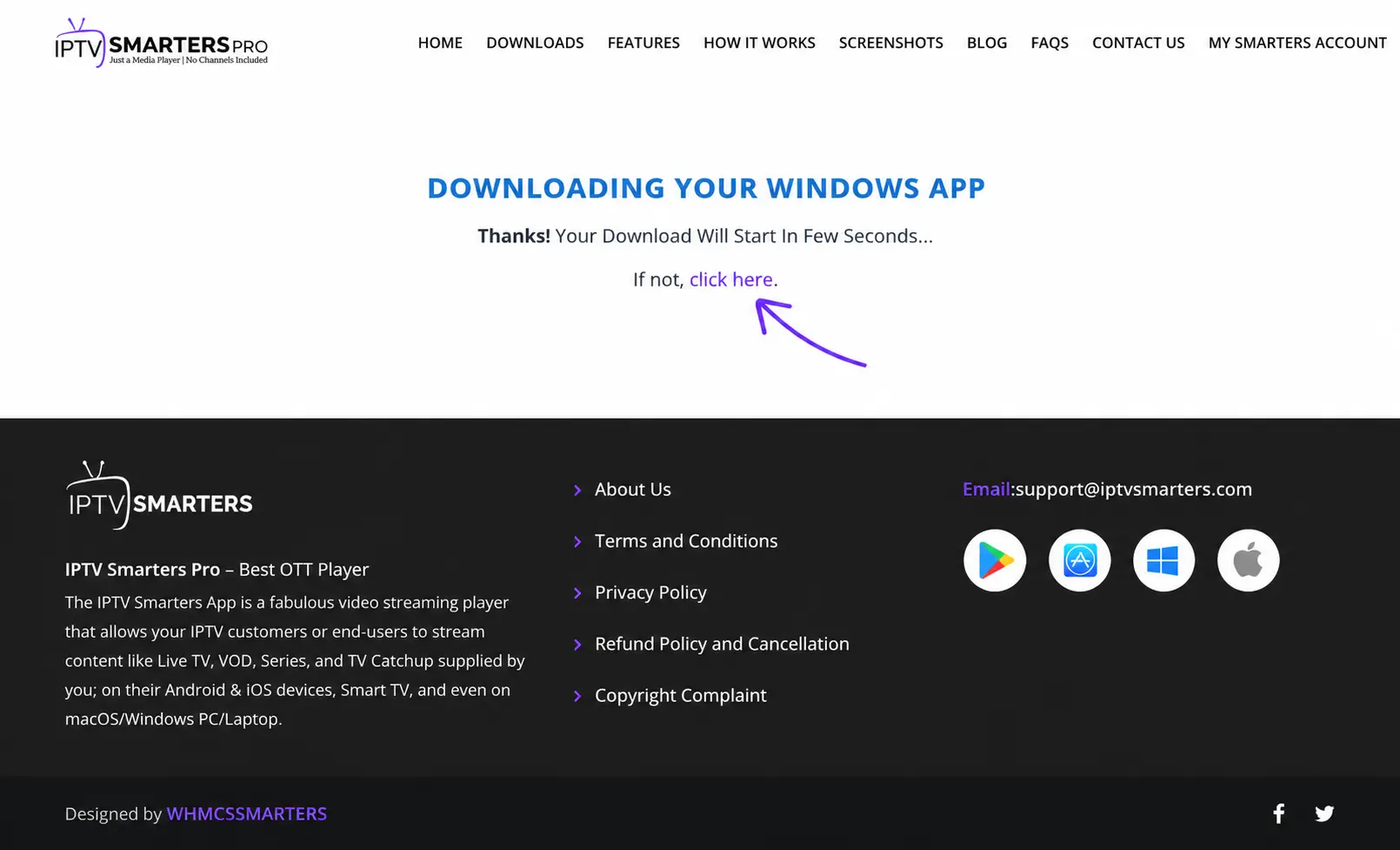
Install it
Windows: run the .exe and follow the installer. Mac: open the .dmg and drag the app to Applications; the first time, right-click → Open if macOS warns about the developer.
Log in with Xtream Codes
Choose Login with Xtream Codes API and enter any name, username, password and server URL.
Watch
Live TV, movies, series and the EPG load. Press F or double-click for full screen.
Windows 10 and 11, 64-bit.
macOS on Intel and Apple Silicon Macs.
Method 2: VLC with an M3U link
Install VLC
Download VLC media player from videolan.org and install it.
Open Network Stream
Windows: Media → Open Network Stream. Mac: File → Open Network.
Paste your M3U link
Paste the playlist URL and press Play. Press Ctrl+L (Mac: Cmd+L) to see the channel list.
Do not have an M3U link? Build one from your Xtream details: how to get your playlist URL.
Other desktop options
| App | Good for |
|---|---|
| TiviMate (via Android emulator) | Not recommended — heavy and unofficial on desktop |
| Kodi + PVR IPTV Simple Client | Kodi users who want IPTV next to their media library |
| MyIPTV Player (Windows Store) | Simple M3U player with EPG support |
Troubleshooting on PC and Mac
- Firewall or antivirus blocks the app: allow it through Windows Defender Firewall.
- Channels will not load: check the server URL includes the port; try another network to rule out ISP blocks.
- Choppy video: close heavy browser tabs, use Ethernet, update graphics drivers. Buffering fixes.
Frequently asked questions
What is the best IPTV player for Windows?
IPTV Smarters desktop for a TV-like interface with VOD and EPG; VLC for a quick, lightweight way to play an M3U link; Kodi with the PVR IPTV Simple Client if you already use Kodi.
Can I watch IPTV in a web browser?
Some players offer web versions, but browsers cannot play every stream format. A desktop app is more reliable.
Why does VLC show only a few channels or stop?
Very large playlists are heavy for VLC. Use IPTV Smarters or ask for a live-only M3U link.