
Quick answer
To add IPTV to an Enigma2 receiver, find the box's IP address, connect to it from a computer with PuTTY (Telnet or SSH) as root, paste the install command with your server, username and password, and reboot. The IPTV bouquets then appear next to your satellite channels.
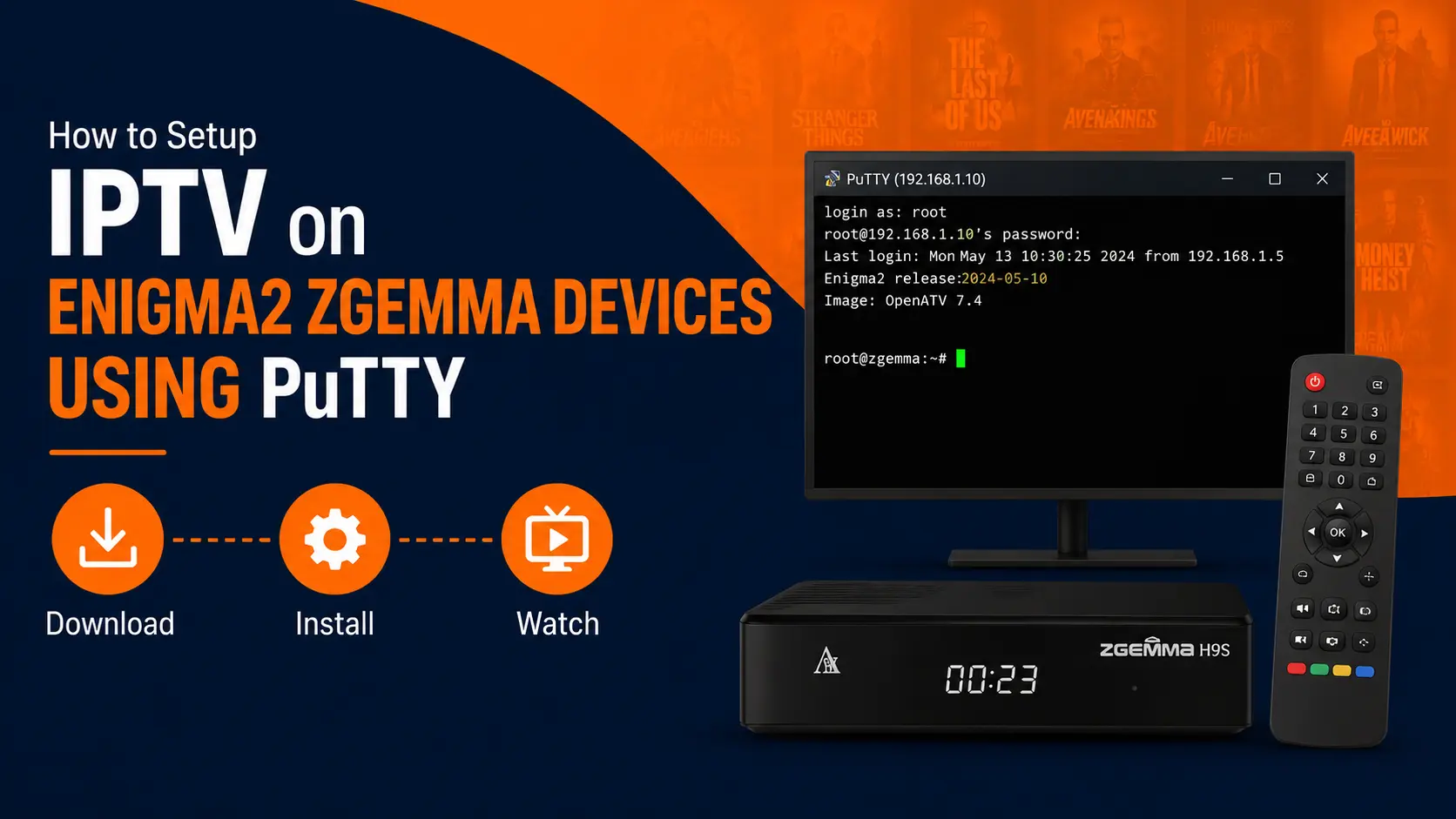
Before you start
- Your Enigma2 box and computer are on the same home network.
- You have your server URL, username and password (or ask us for the finished command).
- You know how to find the box IP — our IP address guide helps.
Step by step
Install PuTTY on your computer
Download PuTTY (free) from its official site and install it. Mac and Linux users can use the Terminal instead.

Find the box's IP address
On the receiver open Menu → Information → Network (wording varies by image) and note the IP address, e.g.
192.168.1.50.
Connect with PuTTY
In PuTTY, enter the box IP as Host Name, choose Telnet (port 23) or SSH (port 22) and press Open.

Log in as root
At
login:typeroot. If a password is asked, enter your box's root password (often empty on a fresh image).
Paste the install command
Paste the command below with your own server, username and password (we can send it ready-made). Right-click pastes in PuTTY. Press Enter.
Enigma2 install commandwget -O /etc/enigma2/iptv.sh "http://SERVER:PORT/get.php?username=USERNAME&password=PASSWORD&type=enigma22_script&output=ts" && chmod 777 /etc/enigma2/iptv.sh && /etc/enigma2/iptv.shReboot
Type
rebootand press Enter. After restart, the IPTV bouquets appear in your channel list.
Edit the command carefully
Replace SERVER:PORT, USERNAME and PASSWORD with your details — keep the quotes. One wrong character and the script downloads nothing.
Troubleshooting
- "Connection refused" in PuTTY: try SSH instead of Telnet (or the reverse) and check the IP.
- Bouquets empty after reboot: the command had a typo, or the line is not active yet.
- Channels freeze: set the IPTV service type to 4097 or 5002 (GStreamer/exteplayer3) if your image supports it, and use a cable connection.
Frequently asked questions
Which receivers run Enigma2?
Zgemma, Vu+ (Solo, Duo, Uno, Zero, Ultimo 4K), Dreambox, Octagon, GigaBlue, Formuler F1/F4 with Enigma2 image, and many others running OpenATV, OpenPLi or similar images.
Can I use an M3U link instead?
Yes, with a plugin such as e2m3u2bouquet or a player plugin, but the script method above is the quickest.
How do I add the EPG on Enigma2?
Use the EPG import plugin (EPGImport) with your provider's XMLTV source, or map channels with a tool like E-Channelizer on your PC.