
Quick answer
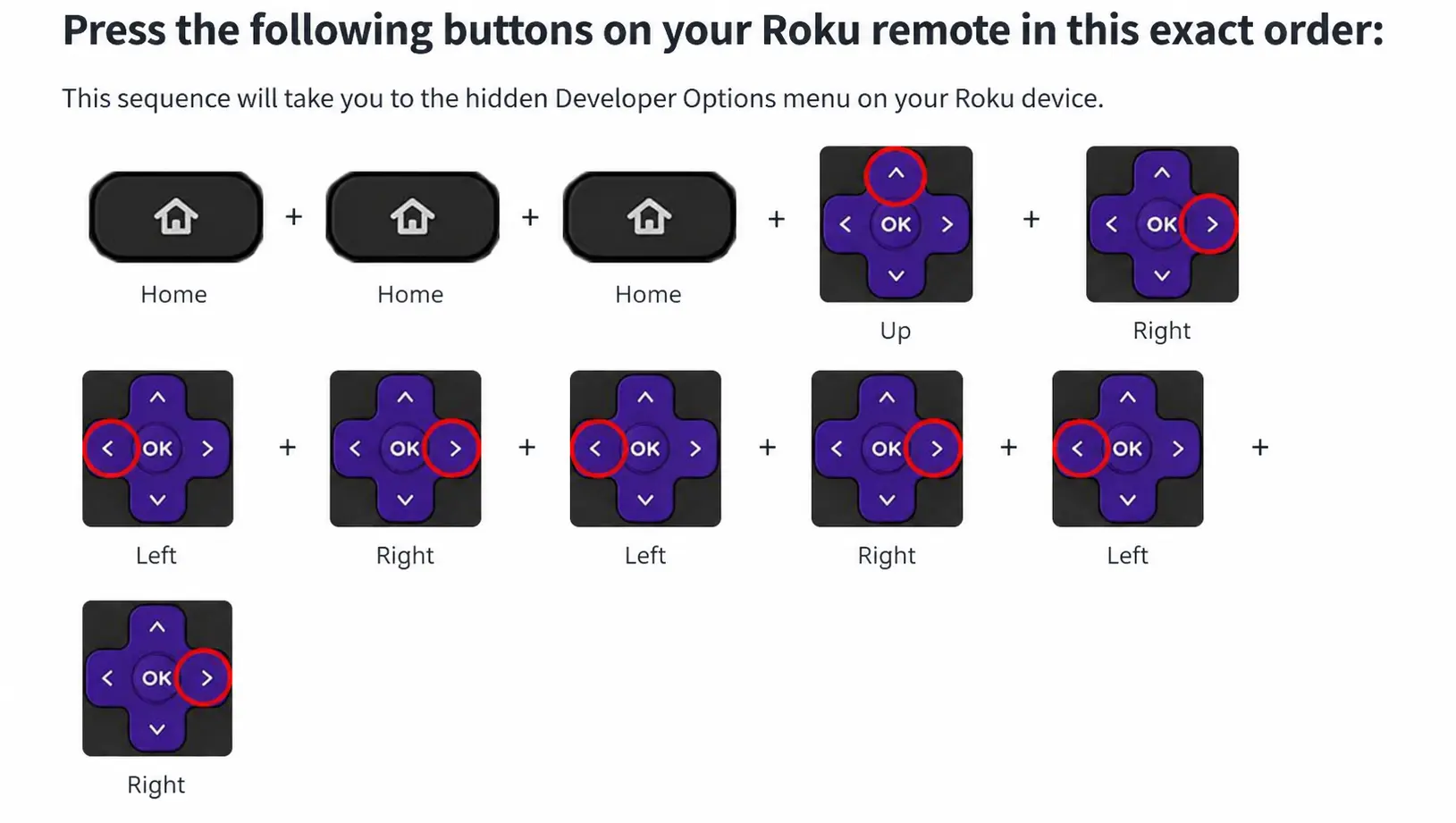
Roku's store does not carry IPTV Smarters. You can install it yourself: press Home ×3, Up ×2, Right, Left, Right, Left, Right to open Developer Mode, enable the installer, then upload the app package from a computer on the same network. Mirroring from a phone is the simpler fallback.
On this page
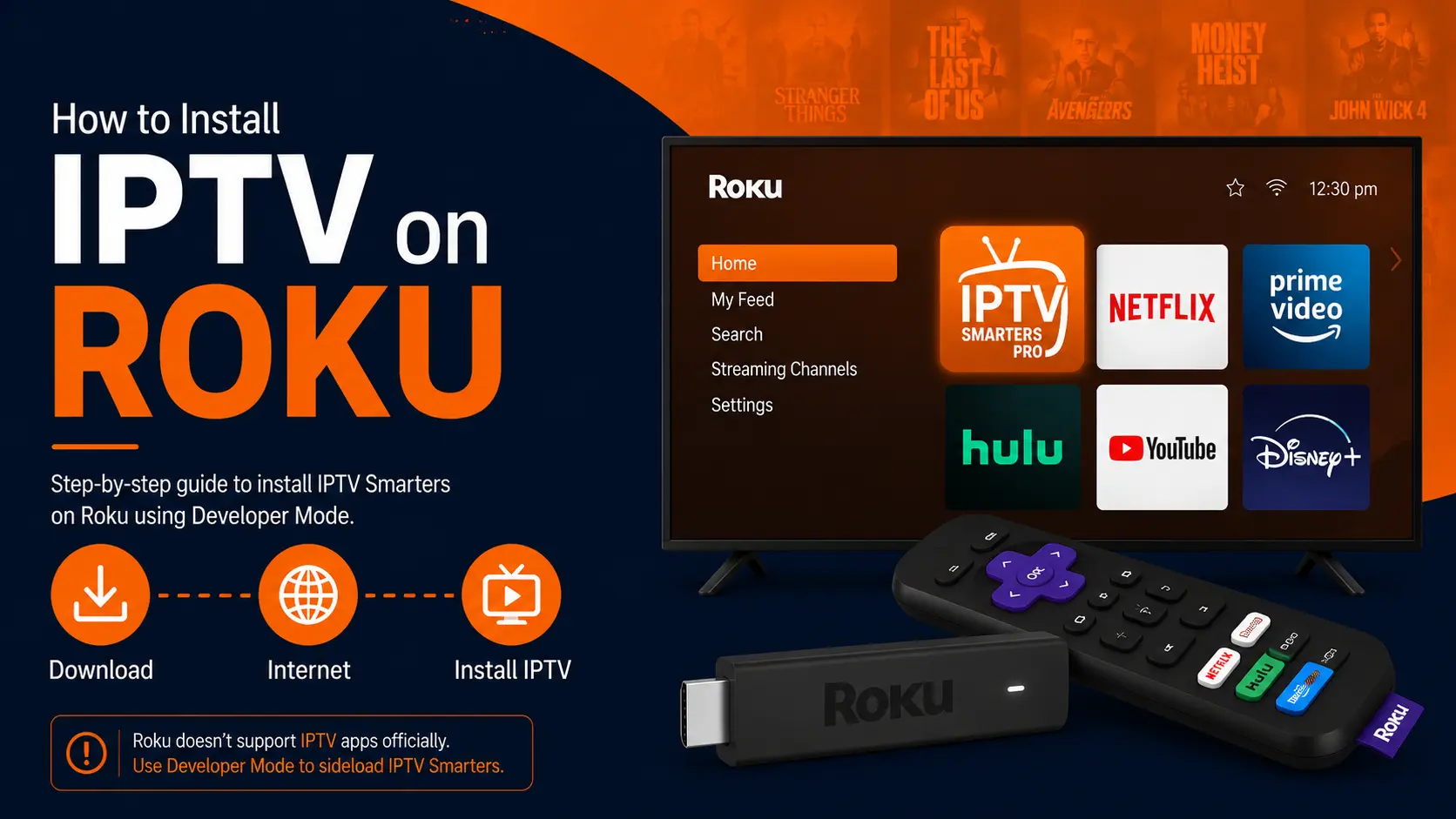
Your options on Roku
| Method | Difficulty | Quality | Notes |
|---|---|---|---|
| Developer Mode (below) | Medium | Best | Official Roku feature for developers |
| Screen mirroring from Android/Windows | Easy | Average | Phone must stay on |
| Add a Firestick or Google TV stick | Easy | Best | Full app choice — Firestick guide |
Install IPTV Smarters on Roku with Developer Mode
Open the Developer Mode screen
On your Roku remote press: Home ×3, Up ×2, Right, Left, Right, Left, Right. The Developer Settings screen appears.
Note the IP address shown
Write down the address on screen, like
http://192.168.1.23. You will open it on your computer later.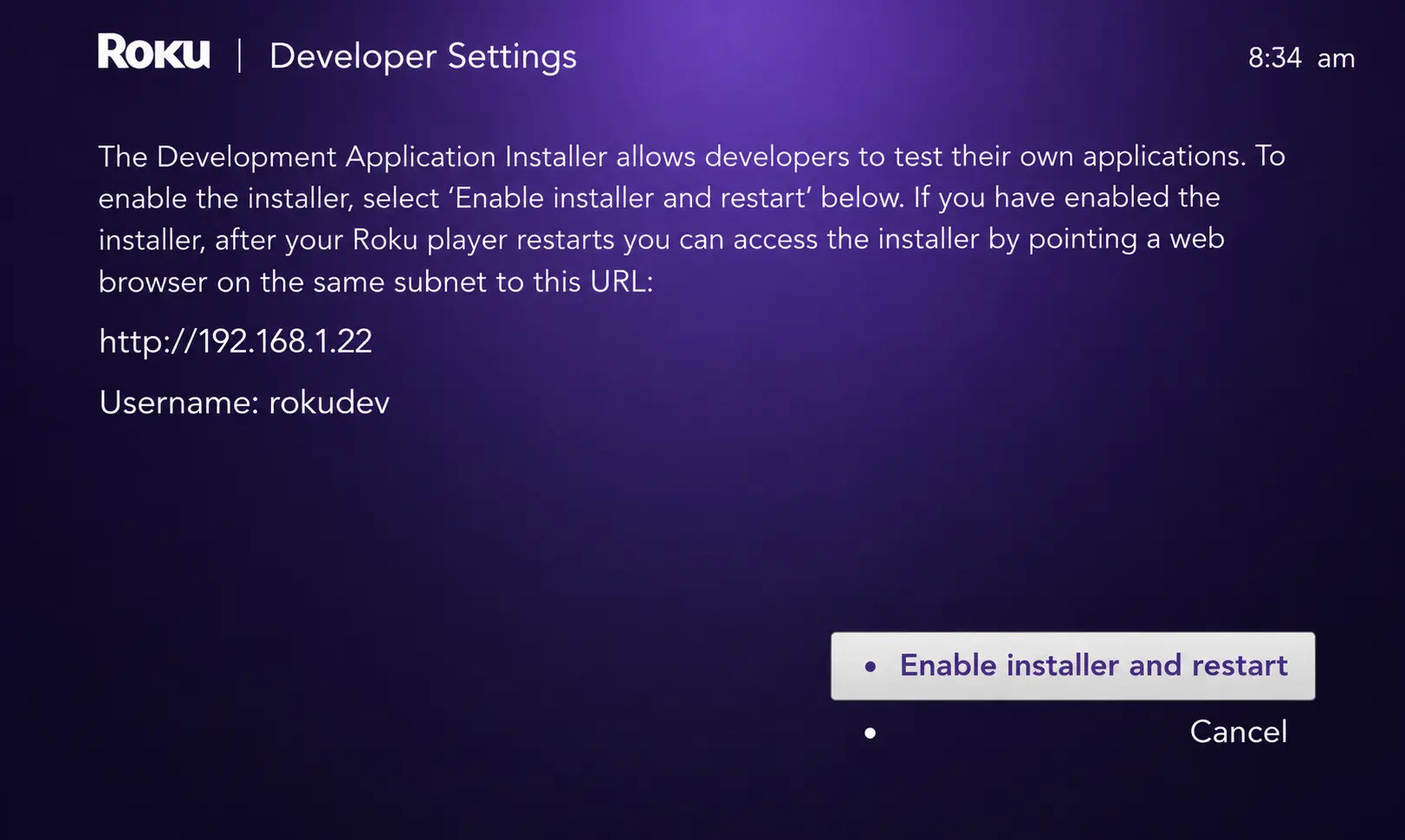
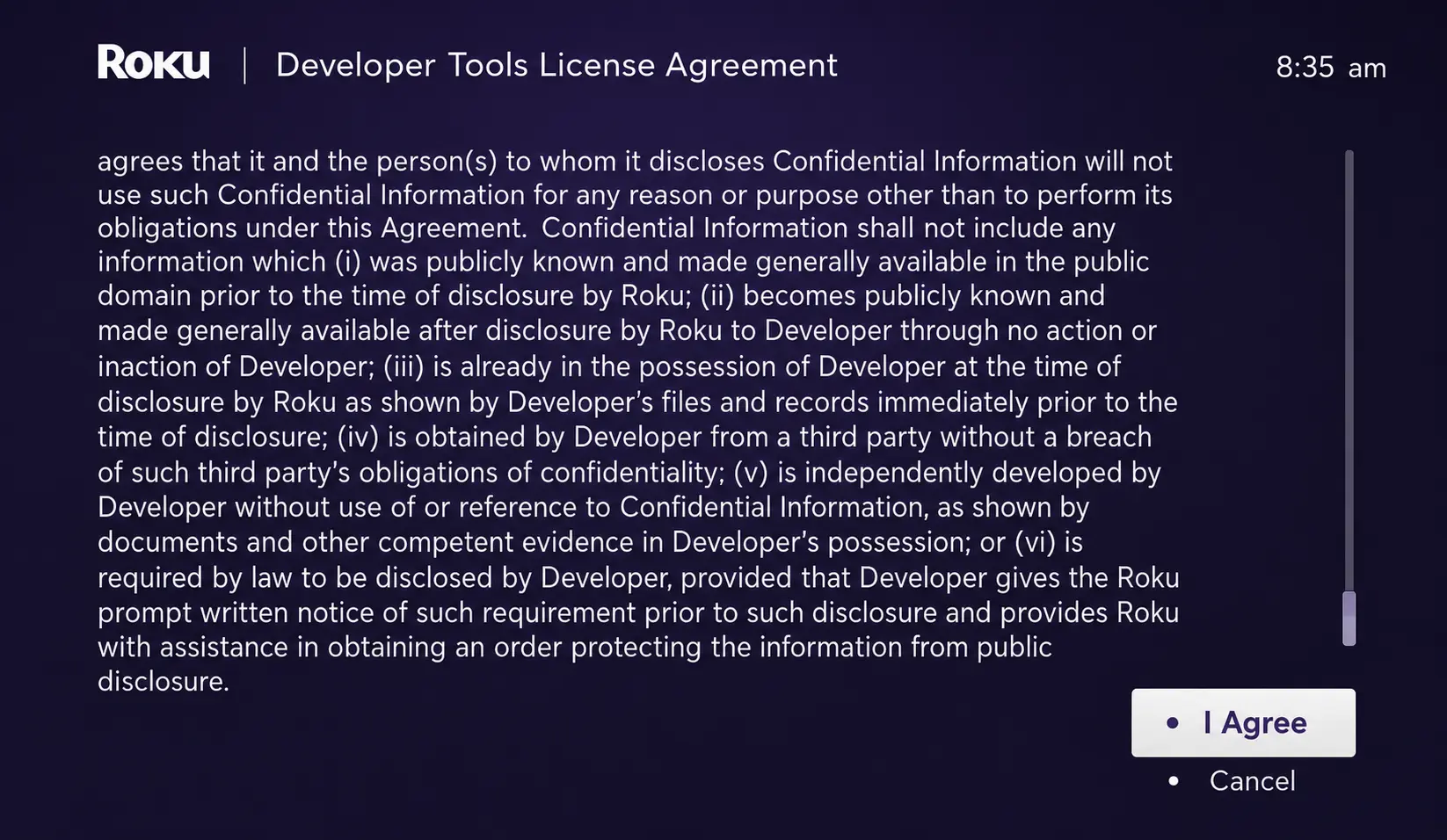
Enable the installer and accept the licence
Choose Enable installer and restart, scroll the Developer Tools License Agreement and press I Agree.
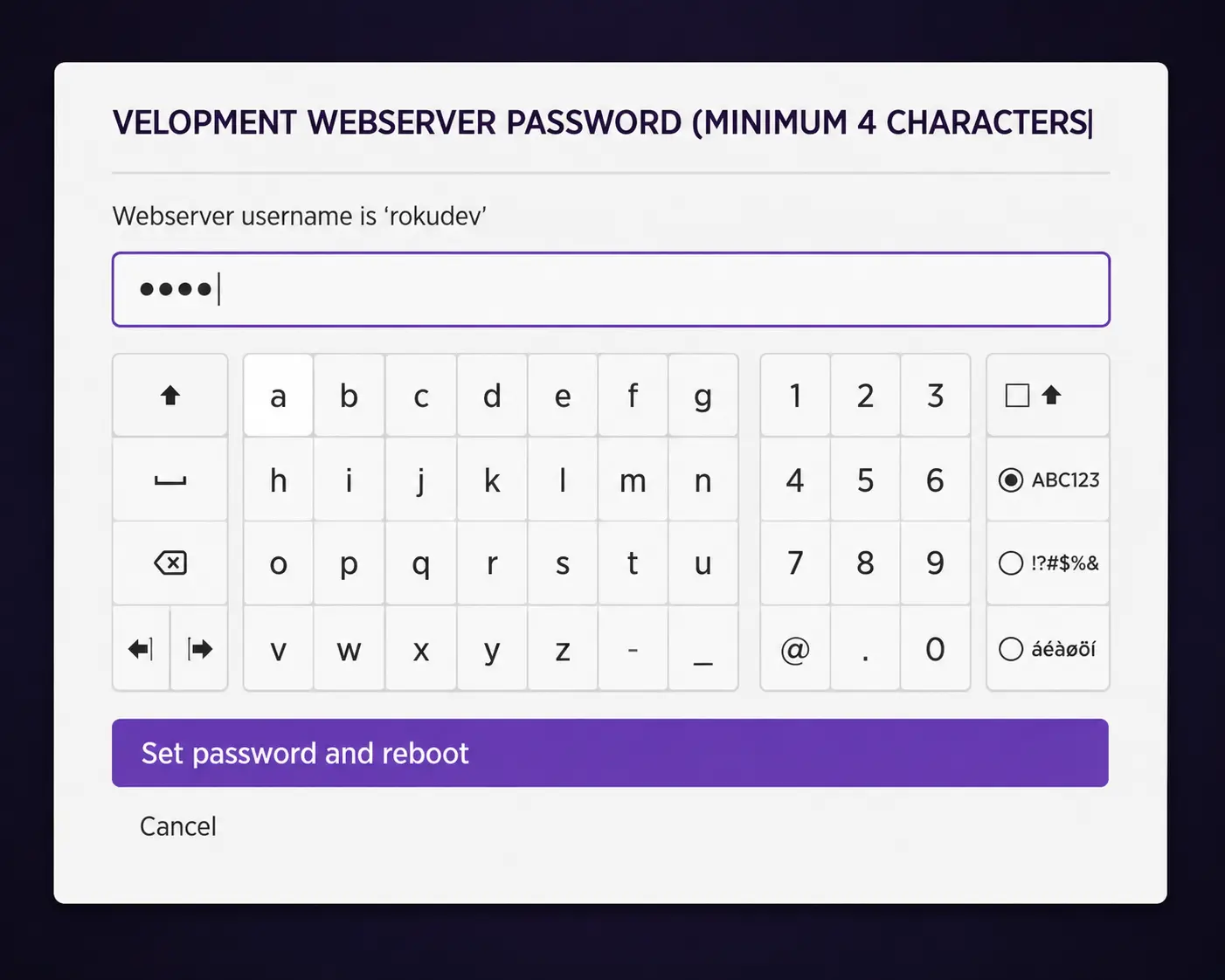
Set a web server password and restart
Create a password (you need it in step 7) and press Set password and reboot. Wait for the Roku to restart.
Download the IPTV Smarters Roku package
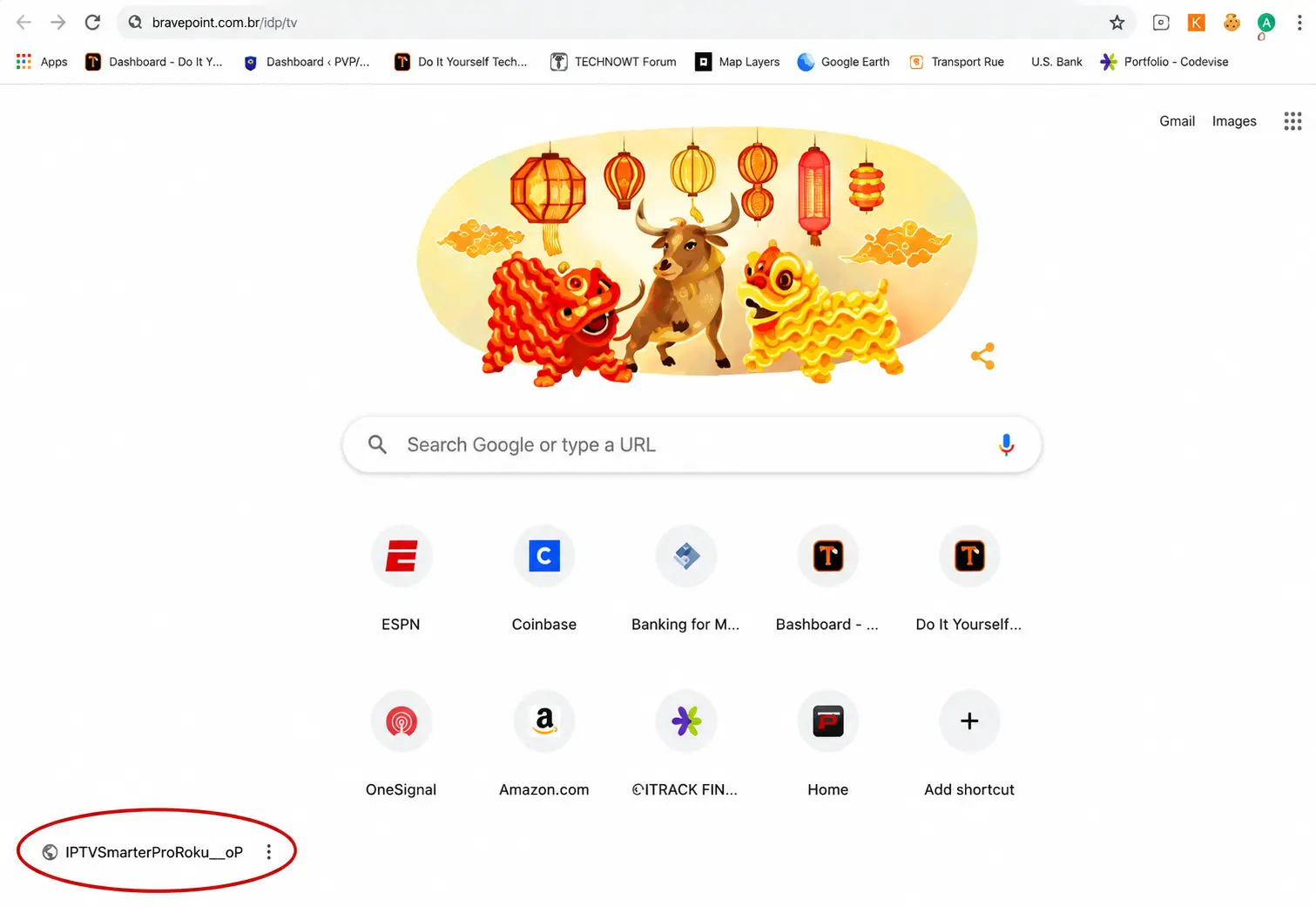
On your computer, download the IPTV Smarters Roku package (.zip) from the official IPTV Smarters website. Do not unzip it.
Open the Roku IP address in your browser
On a computer on the same Wi-Fi, type the IP from step 2 in the address bar.
Sign in to the Development Application Installer
Username
rokudevand the password you set in step 4.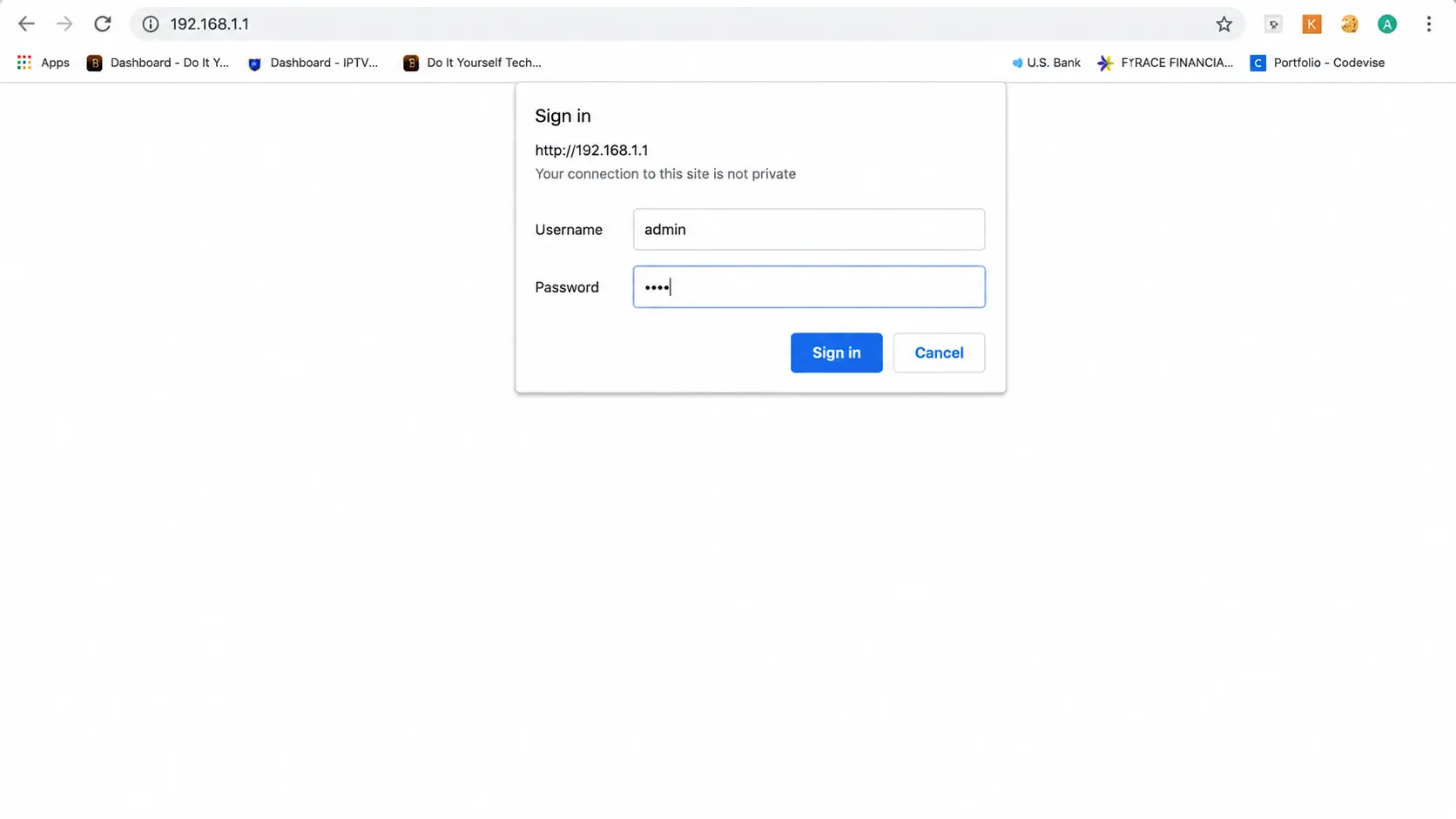
Upload and install
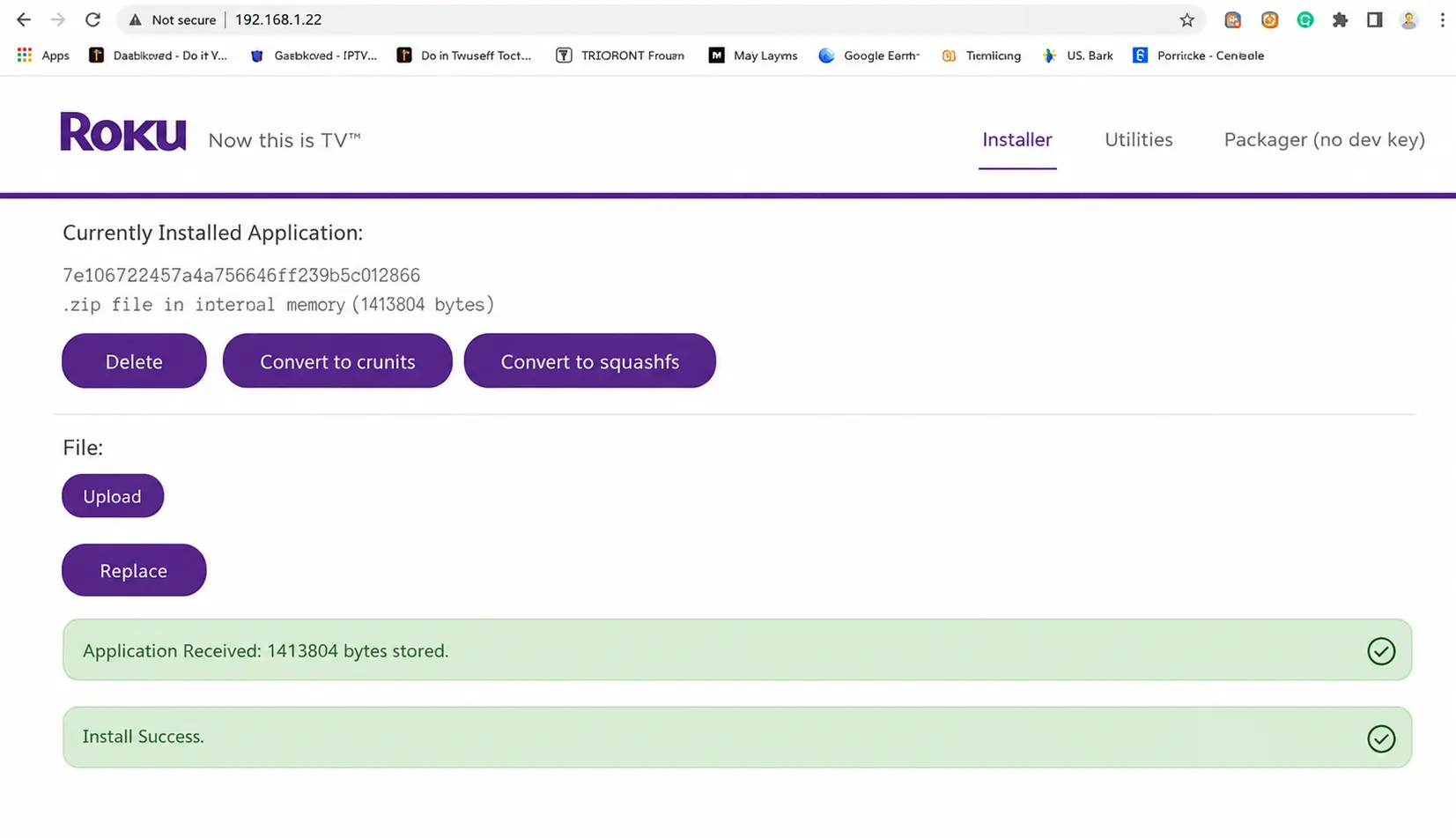
Click Upload, choose the .zip file, then Install. You should see "Install Success".
Open the app and log in
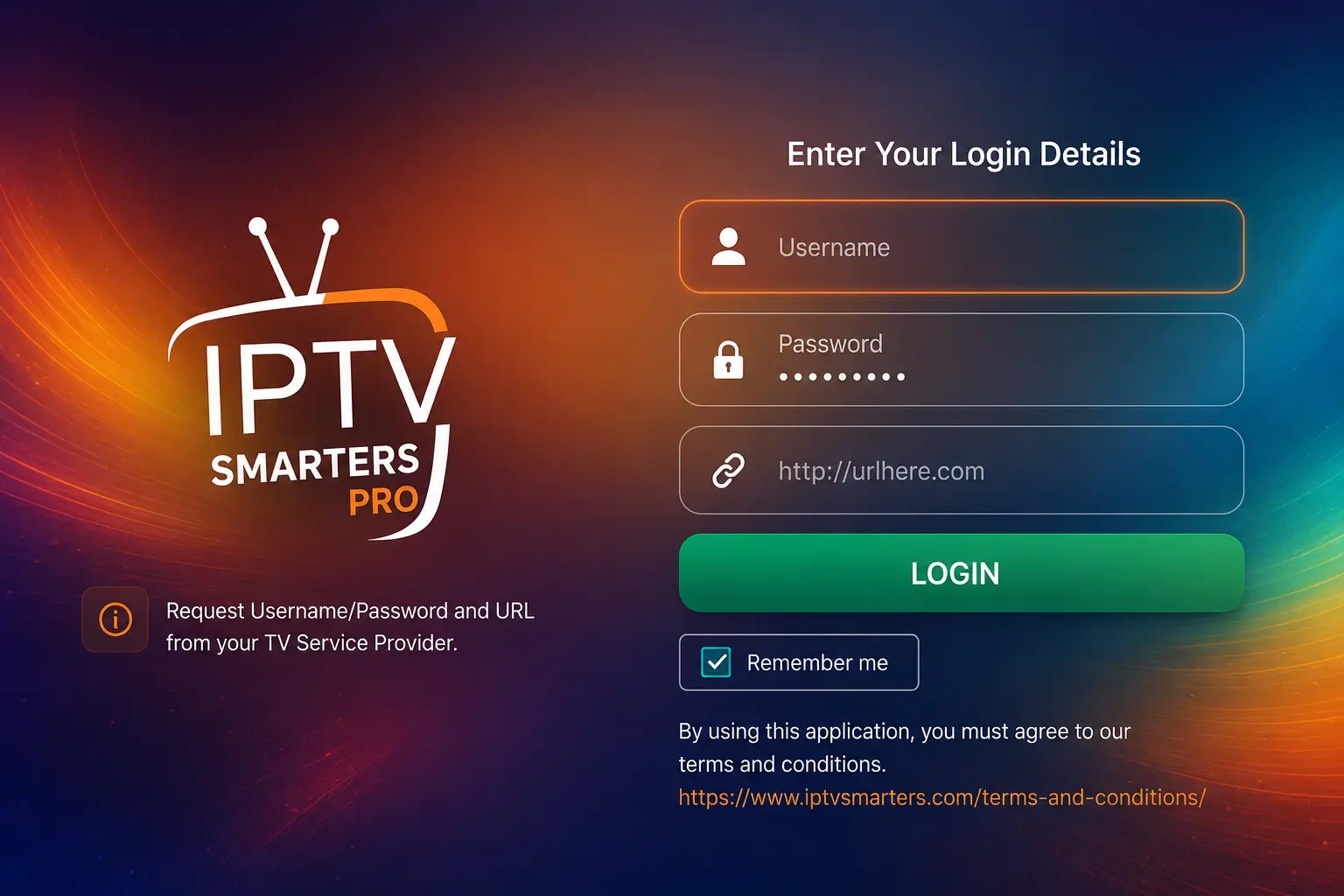
The app opens on your Roku. Enter your username, password and server URL.
Good to know
Developer Mode is a standard Roku feature meant for app developers. Only upload packages from the official developer of the app.
Troubleshooting
- Button sequence does nothing: start from the Home screen and press the buttons steadily, not too fast.
- Channels do not load: check the server URL; see login fixes.
- Roku IP changed: reserve it in your router — how.
Frequently asked questions
Is there an official IPTV app on Roku?
Roku's channel store does not carry IPTV Smarters or similar players. Some M3U players appear from time to time, but they come and go. Developer Mode is the reliable route.
Will the app stay after a restart?
A developer ("sideloaded") app stays until you install another developer app, which replaces it. A factory reset removes it.
Is there an easier option on Roku?
Screen mirroring: play IPTV on an Android phone or Windows PC and mirror it to the Roku. It works, but picture and sound are not as smooth. A cheap Firestick or Google TV stick is often the better fix.
Upload fails in the installer. Why?
Check the computer and Roku are on the same network, that you uploaded the .zip (not an unzipped folder), and that the Roku IP did not change after the restart.