
Quick answer
Your IPTV playlist URL comes in your provider's welcome message. If you only have Xtream details, build it as http://SERVER:PORT/get.php?username=USER&password=PASS&type=m3u_plus&output=ts, then paste it into your player's "add playlist by URL" option.
On this page
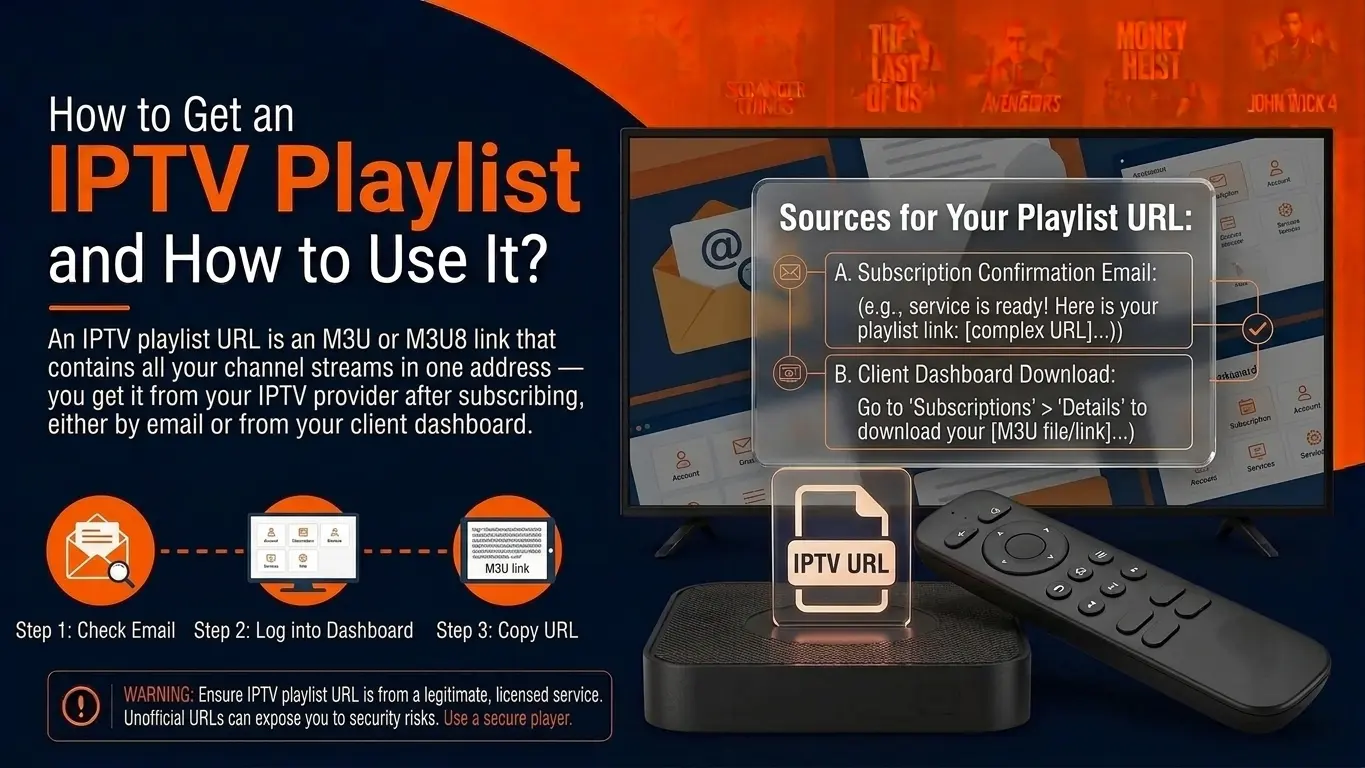
What an IPTV playlist URL is
An IPTV playlist URL (or M3U link) is a web address that returns your channel list as an M3U file. Paste it into a player and the app downloads the list and shows your channels. It is personal: your username and password are built into it.
Where to get it
- From your provider's welcome message. After you order or start a free trial, you receive the M3U link and/or Xtream Codes details.
- By building it yourself from Xtream Codes details, as below.
- From a provider's client area, if they offer one.
Build the URL from Xtream Codes details
If you only received a server address, username and password, the standard format is:
http://SERVER:PORT/get.php?username=USERNAME&password=PASSWORD&type=m3u_plus&output=ts| Part | Replace with | Notes |
|---|---|---|
| SERVER:PORT | Your server URL | Keep the port if one was given (e.g. :8080) |
| USERNAME / PASSWORD | Your login | Case-sensitive |
| type=m3u_plus | Leave as is | Includes logos and groups |
| output=ts | ts or m3u8 | Try the other if channels will not play |
Load it in VLC (Windows & Mac)
Copy your playlist URL
From your welcome message, copy the full M3U link — including
http://and everything after the?.Open VLC
On Windows or Mac choose Media → Open Network Stream (Mac: File → Open Network).
Paste and play
Paste the URL and press Play. Open the playlist view (Ctrl+L) to see and pick channels.
Load it in other apps
TiviMate
Add playlist → Enter URL, paste the link, then set the EPG. Or choose Xtream Codes and enter the three details instead.
IPTV Smarters Pro
Add user → Load Your Playlist or File/URL, give it any name and paste the link. Xtream Codes login is usually faster — Smarters guide.
Smart TV apps
Apps such as IBO Player use the TV's MAC address: you upload the URL on the app's website. See Samsung & LG setup.
Kodi
Install PVR IPTV Simple Client, set Location: Remote path and paste the URL in M3U playlist URL.
Playlist URL not working?
- Invalid or empty playlist: a character was lost when copying — especially
&. Copy it again. - Loads but channels are black: switch
output=tstooutput=m3u8. - Worked yesterday, not today: the line may have expired, or too many devices are connected.
- Only fails on one network: your ISP may block the server — try another network or a VPN.
Login errors in IPTV Smarters have their own guide: "failed to authorize" fixes.
Frequently asked questions
Where do I find my IPTV playlist URL?
In the welcome message your provider sent after you ordered or requested a trial. Ottoceean sends it on WhatsApp or by email together with your Xtream Codes details.
Can I make an M3U link from my username and password?
Yes, with the standard Xtream format: http://SERVER:PORT/get.php?username=USER&password=PASS&type=m3u_plus&output=ts. Replace the capitals with your own details.
Is it safe to share my playlist URL?
No. It contains your username and password. Anyone with it can use your connection, which can lock you out when the line reaches its screen limit.
Where can I find free playlist URLs?
The iptv-org project on GitHub publishes playlists of free-to-air channels. They are legal but unreliable and limited. See IPTV on GitHub.