
Quick answer
The EPG (electronic program guide) is the TV schedule inside your IPTV app. It comes as XMLTV data matched to each channel's ID; Xtream Codes logins load it automatically. If it is empty, refresh the EPG, check the device clock and time-shift setting, and clear the app cache.
On this page
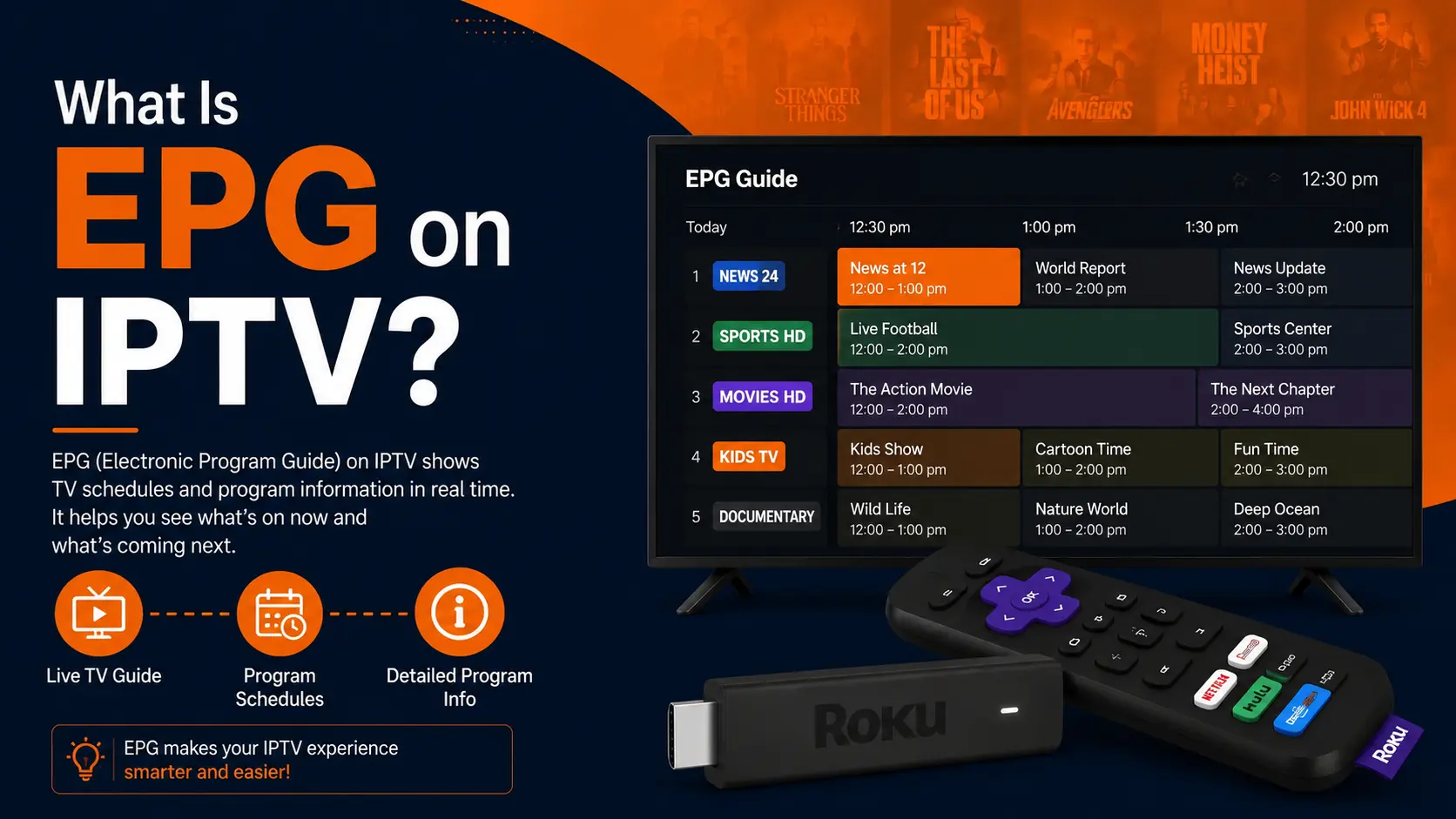
What EPG means
EPG stands for Electronic Program Guide: the on-screen TV schedule. In an IPTV app it appears as a grid of channels and times, a "now and next" bar when you change channel, or programme details when you press info.
So yes — IPTV does have a TV guide, as long as your provider supplies EPG data and your app is set up to read it.
How the IPTV guide works
The provider collects schedules
Guide data is gathered from broadcasters and listings sources and compiled into an XMLTV file.
Each channel gets an ID
In the playlist, each channel has a
tvg-id. The same ID appears in the guide file, which is how the app knows which schedule belongs to which channel.Your app downloads the guide
With Xtream Codes login this happens automatically. With an M3U playlist you paste an EPG URL in the settings.
The app refreshes it
Most apps update the guide every 12–24 hours; you can force a refresh.
How to add or refresh the EPG in popular apps
| App | Where to find it |
|---|---|
| IPTV Smarters Pro | Home screen → Install EPG or Settings → EPG; press refresh |
| TiviMate | Settings → Playlists → your playlist → EPG; or Settings → EPG → Update EPG |
| XCIPTV | Settings → EPG → refresh; loads automatically with Xtream login |
| IBO Player / Smart TV apps | Usually automatic; reload the playlist from the app menu |
| Kodi (PVR Simple Client) | Add-on settings → EPG settings → XMLTV URL |
| MAG box | Automatic from the portal; restart the box to refresh |
EPG link for M3U users
If you use an M3U link, the EPG URL is usually the same server with /xmltv.php?username=USER&password=PASS. Ask support if you are unsure.
EPG not showing? Fix it in this order
- Refresh the guide in the app settings and wait 2–5 minutes — large guides take a while.
- Check the date and time on your device. A wrong clock hides the whole guide.
- Adjust the time shift if programmes are an hour early or late.
- Clear the app cache (Android: Settings → Apps → your app → Clear cache).
- Check the channel. Some channels, such as event or 24/7 channels, have no guide at all.
- Log out and back in with Xtream Codes instead of M3U.
Still empty? Message support — we can check whether the guide is live for your line.
Catch-up and the guide
Channels with catch-up show a small clock or rewind icon in the EPG. Select a programme that already aired and the app plays it from the archive. Catch-up only works if the guide is loaded, which is another reason to keep it refreshed.
Frequently asked questions
Does IPTV have a TV guide?
Most IPTV services do. The guide (EPG) is delivered as data alongside the channels and shown by your app. With Xtream Codes login it loads automatically; with an M3U playlist you may need to add an EPG link.
Why does my EPG say "No information"?
Usually the guide has not downloaded yet, the channel has no guide data, or the channel ID does not match the guide. Refresh the EPG in the app settings and wait a few minutes.
Why is the TV guide an hour off?
A time-zone mismatch. Most apps have an "EPG time shift" setting; adjust it by +1 or -1 hour until programmes line up.
Are there free EPG sources?
Yes — the iptv-org/epg project on GitHub generates guides from public schedules. They are useful for free channels but you have to match channel IDs yourself. See IPTV on GitHub.
What is XMLTV?
The file format used for EPG data: an XML file listing channels and programmes with start and end times. Apps load it from a URL, often ending in xmltv.php or .xml.gz.